Game Installer Creation
Description
Welcome to this Game Installer Creation Github Page. Here you could find a small guide to make your own Installers using Inno Setup
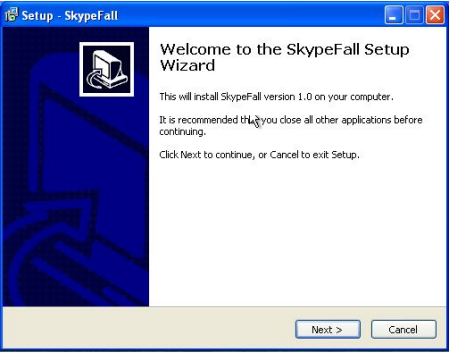
(Setup Example Image)
How to make an installer for your programs
There are tons of options to make your own installer. Some of them are: Creating your own code script, using Visual Studio, or (in our case) using programs that simplify our work as Inno Setup.
First of all you need to download Inno Setup and intall it on your computer.
Once you finished you need to prepare all the required files.
These are:
- The program executable file folder
- The program license in .txt format
- 2 .txts with the information you want to give to the user before and after installing your program
- 1 icon for your installer
If your files are prepared, now you can begin creating a new script file using Script Wizard in Inno Setup
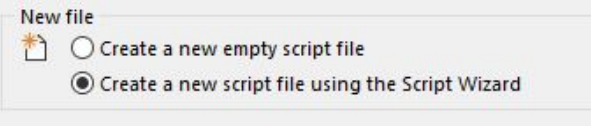
This Script Wizard will help you to set up all your Installer, in the repository /docs folder you can find a Tutorial .pdf file where you could find a detailed tutorial with “To Do” for this Script Wizard, using the files from the repository /Handout folder.
You can also check /Solution files, where you will find the obtained setup.exe obtained from the tutorial and the Inno Setup Code file obtained when the Setup Wizard ends.
About Author
Hi, I’m Dani Toledo Rodriguez Dani 24 On Github, a spanish videogames design & development student.
Help